Putting together a landing page in WordPress that gets results can actually be straightforward. No need for big budgets either, particularly when using the correct tool. With one specific add-on, dragging elements into place becomes part of how you design. Templates built to boost sign-ups sit ready to go. Search engine features come included, helping visibility. Everything connects smoothly so customization happens fast. Coding skills? Not required here.
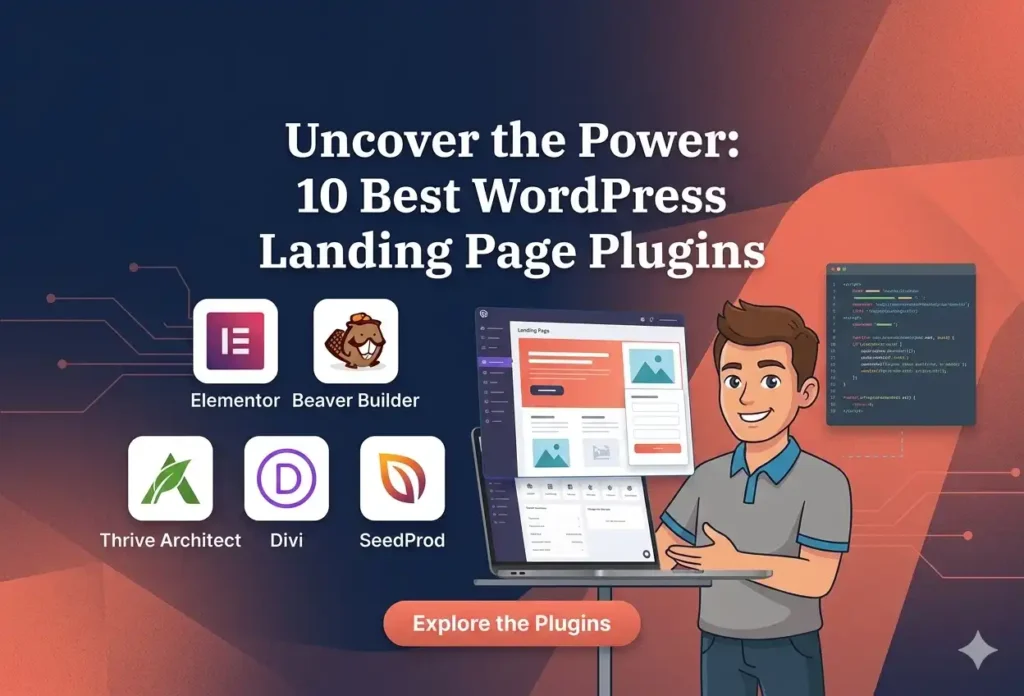
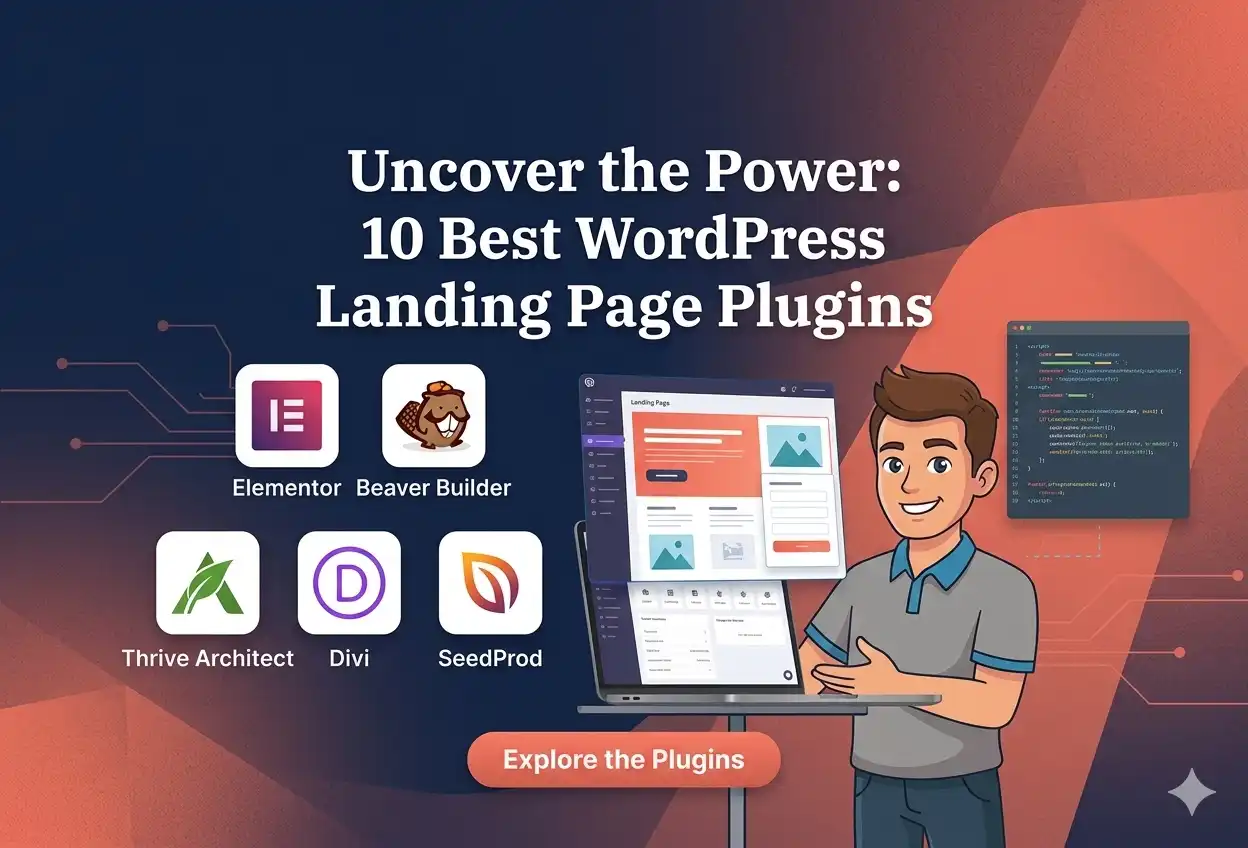
A look at ten top WordPress tools for building landing pages begins here. Each fits a unique need, some shine with layout freedom, others link tightly to data trackers. One stands out when arranging elements freely. Another works smoothly alongside visitor statistics systems. Flexibility in structure marks one clear favorite. A different pick excels where tracking conversions matters most. Some adapt fast to branding changes. Others hold steady when traffic spikes occur. Integration depth separates average from strong performers. Real-world testing shaped every choice listed:
- Elementor – best for customization and rich templates
- SeedProd – best all-in-one option for business owners
- Divi – best for advanced visual effects and code flexibility
- Beaver Builder – best for managing multiple websites
- Landing Page Builder – best for built-in A/B testing
- OptimizePress – best for sales funnels and lead generation
- Visual Composer – best for access to third-party assets
- Thrive Architect – best for template variety and smart blocks
- LightStart – best free plugin for beginners
- Pagelayer – best lightweight plugin for quick edits
Each tool got checked for how simple it is to run, the available layouts, ways to tweak things, cost, along with what tools come included. If you are building a page to sell something, grab emails, or tease a future launch, this list points to the best match for your site.
1. Elementor
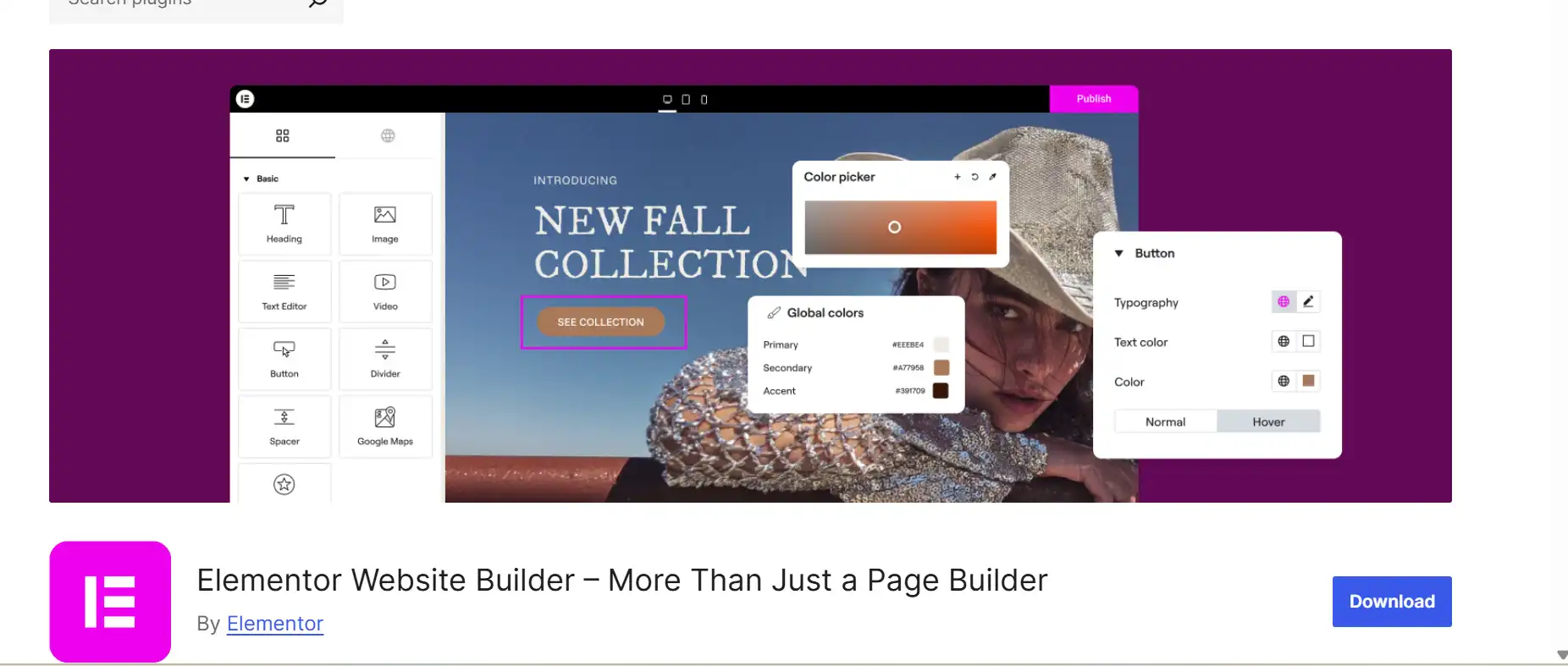
Start by picking any layout you like, then tweak the details how you want – publish right there when done. Or go empty canvas mode instead, building eye catching entry screens piece by piece.
A few extra tools can slide into place once this WordPress plugin is set up – think of features like a rotating customer quote display. Functionality grows further when outside extensions are brought in
Key Features:
- Customizable HTML tags. Users can edit landing pages’ HTML tags to improve their websites’ ranking on search engines.
- Themes compatibility. Elementor is compatible with most WordPress themes and offers a self-developed one, Hello Elementor.
- Action links. WordPress site owners can put a CTA button to let visitors easily contact, navigate, or reserve their businesses.
2. SeedProd
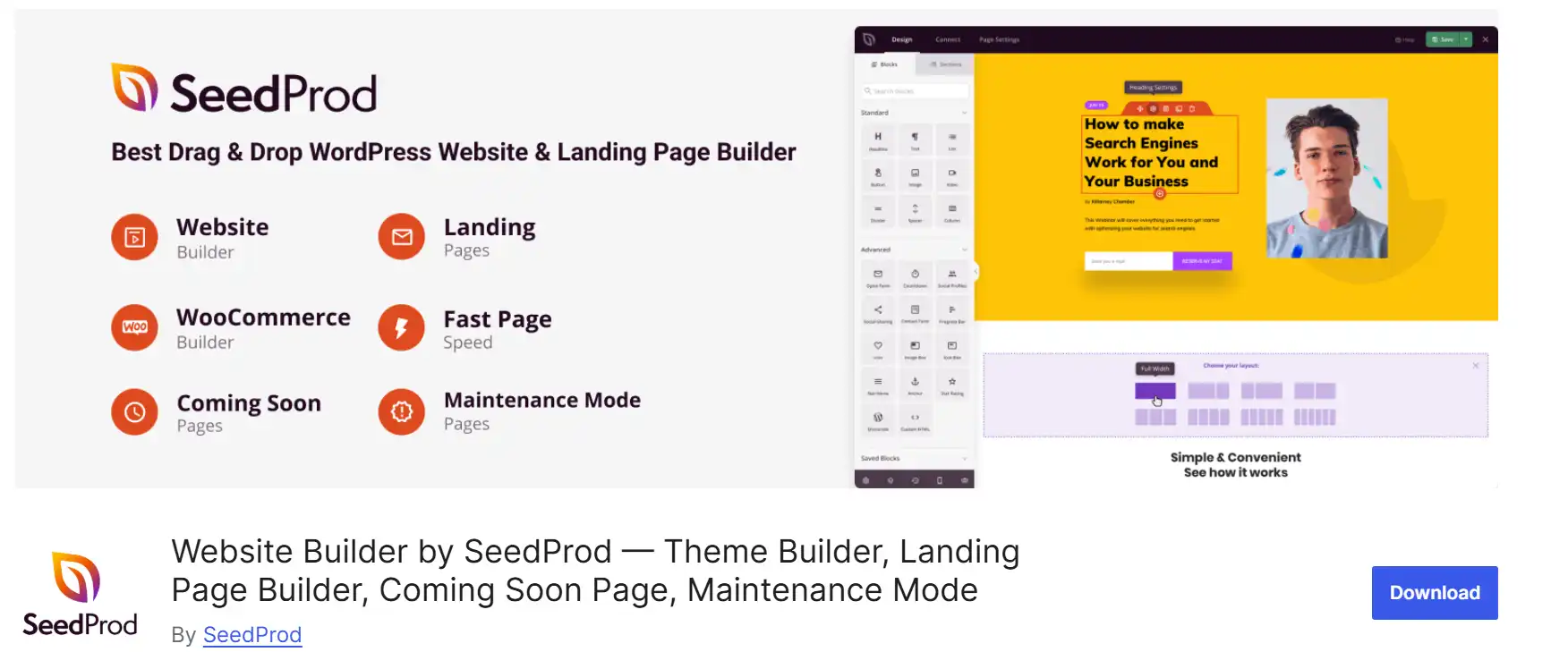
A blank screen becomes a start when you pick SeedProd. This tool fits right into WordPress, built for making landing pages without hassle. Move things around by dragging, dropping where they belong. Templates show up fast – pages that say “coming soon,” others for sales, some just to keep visitors waiting during fixes. Each piece works together even if it looks scattered at first glance
With this tool, pages and snippets get saved right where you need them – ready whenever inspiration strikes. A timestamp slips into your site fresh each time, no extra steps needed.
Key Features:
- Picture a huge collection of photos, ready to go. Inside SeedProd, find countless images that let you tweak and apply them so your landing page looks better.
- One size fits all? Not here. Each template shifts shape depending on the screen it meets. Landing pages bend smoothly to fit phones, tablets, or desktops without a hiccup. What you build stays clear no matter where it’s seen
3. Divi

With Divi, building pages happens right before your eyes. Motion while you scroll shows up easily. Transitions between elements appear smooth without extra steps. Effects when hovering bring subtle liveliness. Background masking fits into layouts naturally. Customization goes deep, yet stays clear
A different way to build things shows up alongside the visual tools – custom CSS plus JavaScript slip right into place through this plugin. Coding gets simpler because a built-in editor arrives with syntax highlighting tucked inside.
A tool for building landing pages includes handy options to move faster, such as editing multiple items at once or reusing design choices across elements. Because there is no cost-free option available, testing the demo makes sense prior to buying.
Key Features:
- Pay once, use forever. Choosing Divi means skipping monthly fees by locking in access permanently through a single payment – making it less costly over time compared to ongoing subscriptions
- Faster loading starts with smart tools inside. Google Fonts get stored right on the server, cutting wait time. Scripts load in the background while the page builds. Files shrink by removing extra bits without losing quality. Each part works behind the scenes to move things quicker.
- First things first – crucial styles get loaded right away by this tool. So your landing page becomes usable faster, thanks to prioritized CSS delivery.
4. Beaver Page Builder
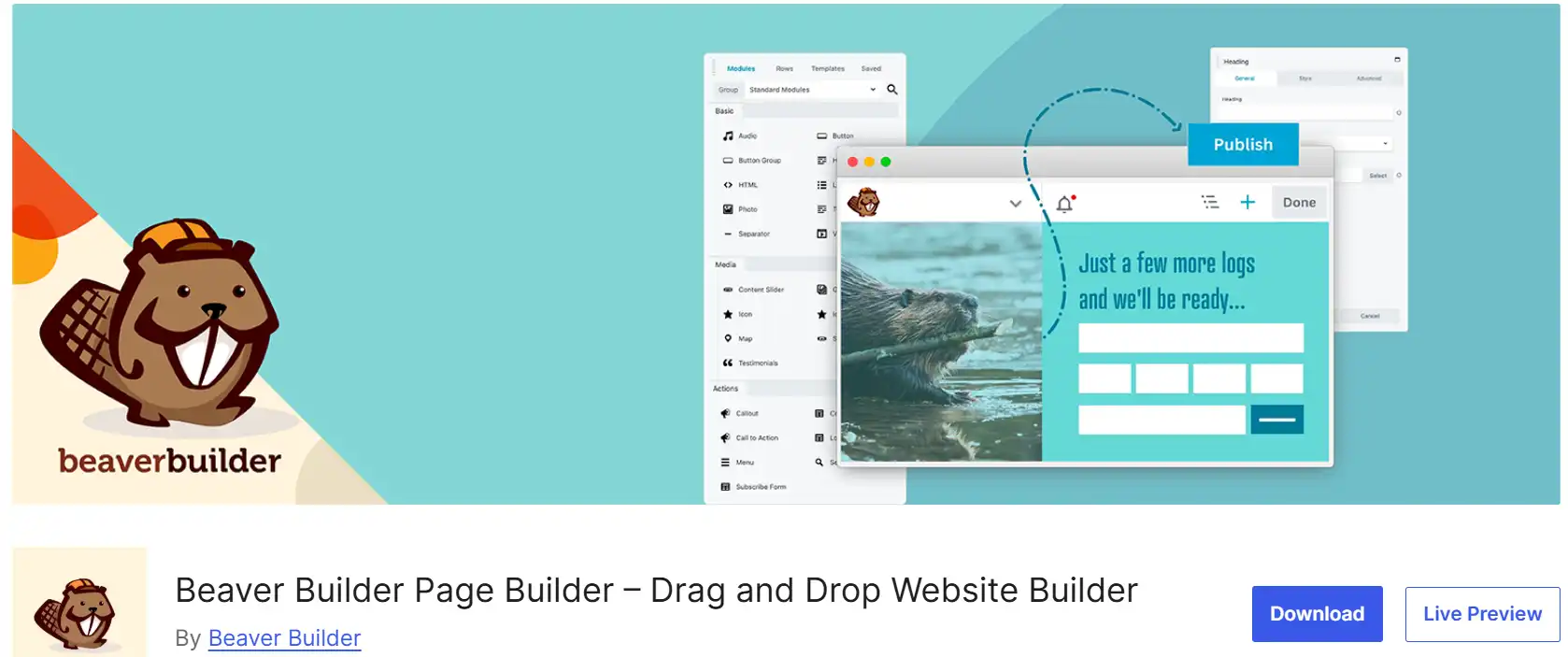
A single license of Beaver Page Builder covers every website you run. Unlike tools that limit access, this one opens doors wide without extra fees. Its editing interface? Drag elements where you want them – no code needed. Visual changes appear instantly as you adjust things on screen. Templates come ready-made, though each invites customization from the start. Some builders lock options behind paywalls; this doesn’t. You get full freedom straight away, right out of the box.
Editing the template is possible with the included tools, also custom styles apply through CSS if needed. When complete, the landing page exports directly, then works across different WordPress sites.
What stands out is how Beaver Page Builder allows crafting a unique module, bringing fresh functions to any landing page. On top of that, setting up headings the right way becomes possible, shaping them with SEO in mind.
Key Features:
- Starting off, there’s control over who sees what. Some folks adjust these limits so only certain people get through. Access gets blocked when rules say no. Settings change depending on needs. Actions stop if they’re not allowed. People set boundaries to keep things private. Rules kick in whenever someone tries something outside their level.
- Got your own workflow? The plugin plays along using custom hooks. Need extra power under the hood? Filters let you tweak how things work behind the scenes. Built-in flexibility means it adapts instead of fights back
- Help is ready when you need it. With Beaver Page Builder, find answers in clear guides or chat with real people who know the system. Forums offer shared tips from users worldwide. Reach out any time through direct support channels made just for troubleshooting.
5. Landing Page Builder
The Landing Page Builder plugin lets users create visually appealing and high-converting landing pages. In addition to a visual builder, it has built-in SEO, A/B testing, and traffic analysis features.
The A/B testing feature lets users compare two landing page versions to see which generates more conversions. Meanwhile, the analysis tool tracks important metrics such as clicks and page views.
This landing page creator for WordPress provides free templates. It also supports custom and Google fonts, allowing you to further personalize your landing page’s design.
Key Features:
- Fourteen days to send it back. Get every dollar returned if you bought any plan less than two weeks ago
- Build your own forms using this tool. It works by letting you design inputs however needed, then stores responses through a built-in database setup. The system keeps entries organized without extra steps from you
- A single edit reshapes every page using it. Blocks built once shift everywhere they’re placed.
6. OptimizePress
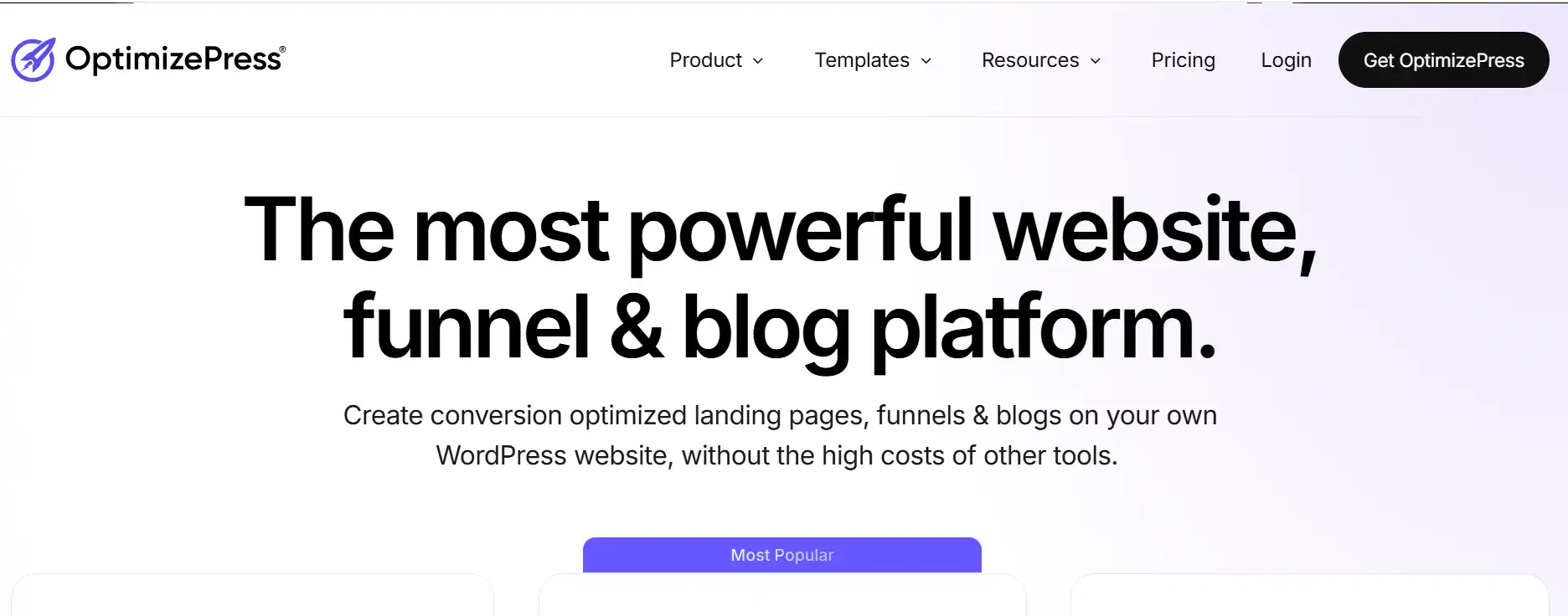
A part from building pages, OptimizePress includes tools meant to lift conversions. Take social proof notifications – these show up suddenly, grabbing attention. Pop-ups appear too, nudging visitors toward steps you want them to follow.
A handful of landing page designs come ready-made inside this tool – webinar signups, online stores, email lists, each built for a specific goal. Moving pieces around takes just clicks, no coding, thanks to an interface that responds to grabs and drops. Each business can tweak colors, text, layout, shaping the look without needing help from developers.
Another feature lets people build their own forms right inside the editor. These forms connect straight to tools such as FluentCRM without needing extra steps. Working with email platforms becomes simpler when everything links in one place. Custom setups fit smoothly alongside existing workflows.
Key Features:
- A single page might turn into a journey. With OptimizePress, building sales funnels becomes something you shape step by step. One piece follows another, each part guiding visitors further. Leads grow because paths are clear. Conversions rise when structure makes sense
- A small line fills up step by step. This shows how far someone has gotten on a page. People see it right away when they arrive. It pulls them forward without saying much. Seeing movement makes some keep going instead of leaving. The farther they go, the more likely they complete what’s asked.
- A popup shows up first. Then a form appears after someone clicks through – this way only interested people sign up. The tool uses that two-part process so responses tend to be more serious. Quality matters more than quantity here. People who finish both steps usually mean what they say.
7. Visual Composer

From the start, it’s clear that Visual Composer brings something different through its open marketplace. Not just anyone gets access – everyone does. Inside the Visual Composer Hub, you might grab a ready-made landing page at no cost or choose one with extra features for a price. Things like design pieces or new tools also sit there waiting to be used.
With Visual Composer, crafting effective marketing pages feels smooth thanks to its tailored editing interface. What helps even more is the ability to store sections of a landing page for later reuse, cutting down time on repeat tasks.
Actually using Visual Composer elements inside Gutenberg works fine when sticking to WordPress native editing.
Key Features:
- On your phone. The tool gives a streamlined layout so people can tweak landing pages while on the move.
- Something worth noting about Visual Composer – it checks your page and suggests tweaks. This built-in helper reviews what you’ve written, then points out where changes might help.
- Running more than one site? This tool works right from the main hub. It handles every landing page across your network without extra steps. One setup covers everything. Control stays simple, even as sites grow. Installation begins at the top level. Each piece follows naturally after that.
8. Thrive Architect
Finding it on your phone feels natural. A clean setup lets you adjust landing pages wherever you happen to be.
Here’s a thing about Visual Composer – it scans your page before offering little improvements. While you work, this inside tool reads your content and quietly shows spots that could be better.
Got multiple websites? The system runs straight from a central point. Each entry page on your network gets managed automatically, no added effort needed. Just configure once – that’s it. Managing things doesn’t get harder when you add locations. Simplicity sticks around. From up high the process kicks off. Afterward, one part fits into place right behind another.
Key Features:
- This tool links up to different web apps through API connections. Connecting it to email platforms works smoothly too
- On small screens, it adjusts just right. A live phone view shows how things appear while building. Change layouts directly for tablets or phones. Some parts can hide when needed. Everything stays clear no matter the device
- A huge collection sits ready inside Thrive Architect. More than 220 landing page designs exist alongside over a thousand smart building pieces.
9. LightStart
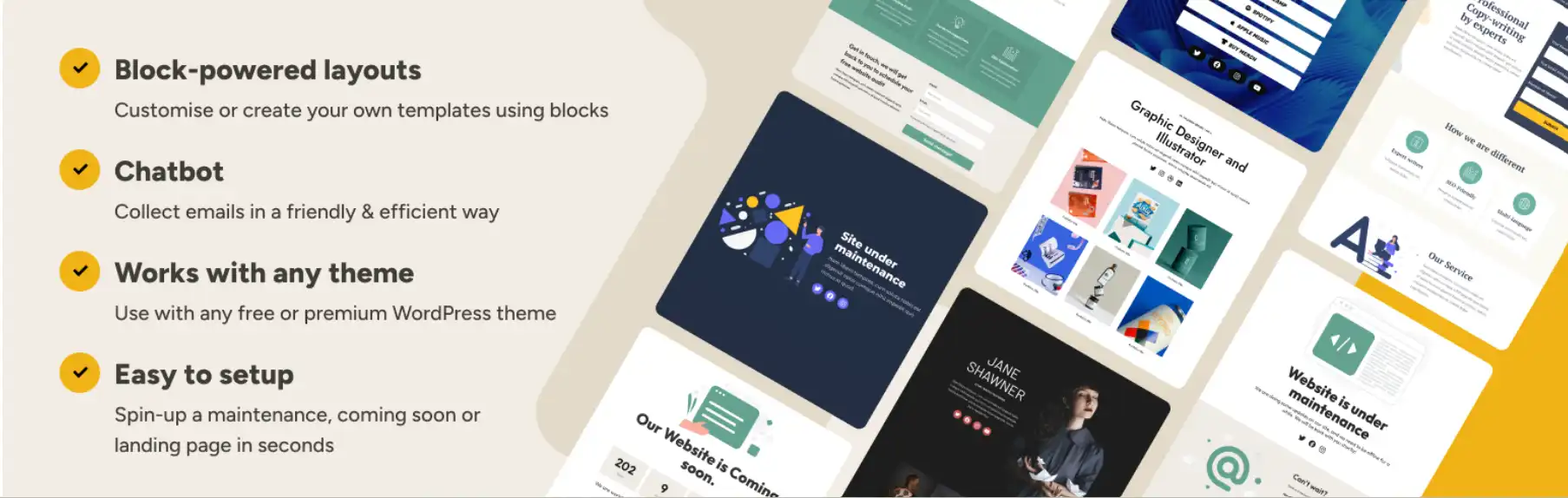
A fresh start comes easily with LightStart, a no-cost tool for WordPress. Pick a layout right from the setup view, that is all it takes to shape your first landing spot online
Once installation finishes, the tool builds a fresh landing page using your selected design. With one toggle, visitors get faster load times when image enhancement runs alongside layout generation.
Not every theme builds its own editing window – LightStart sticks with WordPress’ standard view. Though personal tweaks stay basic, every template shows up without cost. Features and widgets? All open, no paywalls hiding them.
Key Features:
- A single dashboard gives full control over site behavior. With LightStart, turn on maintenance mode while assigning a special access level for staff. Change how search engines see each landing page by adjusting metadata robots expect. Redirect visitors smoothly using custom URL paths when needed.
- Tracking a landing page gets simpler when Google Analytics connects through the plugin. Settings open the door – no complex steps needed. One visit there turns on data collection. Performance details start flowing shortly after. Owners see results without extra tools nearby
- A system sends messages without help from people. These notes appear on web pages where visitors arrive, aiming to catch attention. When someone lands there, a prompt shows up asking for an email. The goal is to get that address by using timely words. Messages play out based on triggers built into the page. They run the same way every time they’re activated. No human steps in once it starts.
10. Pagelayer
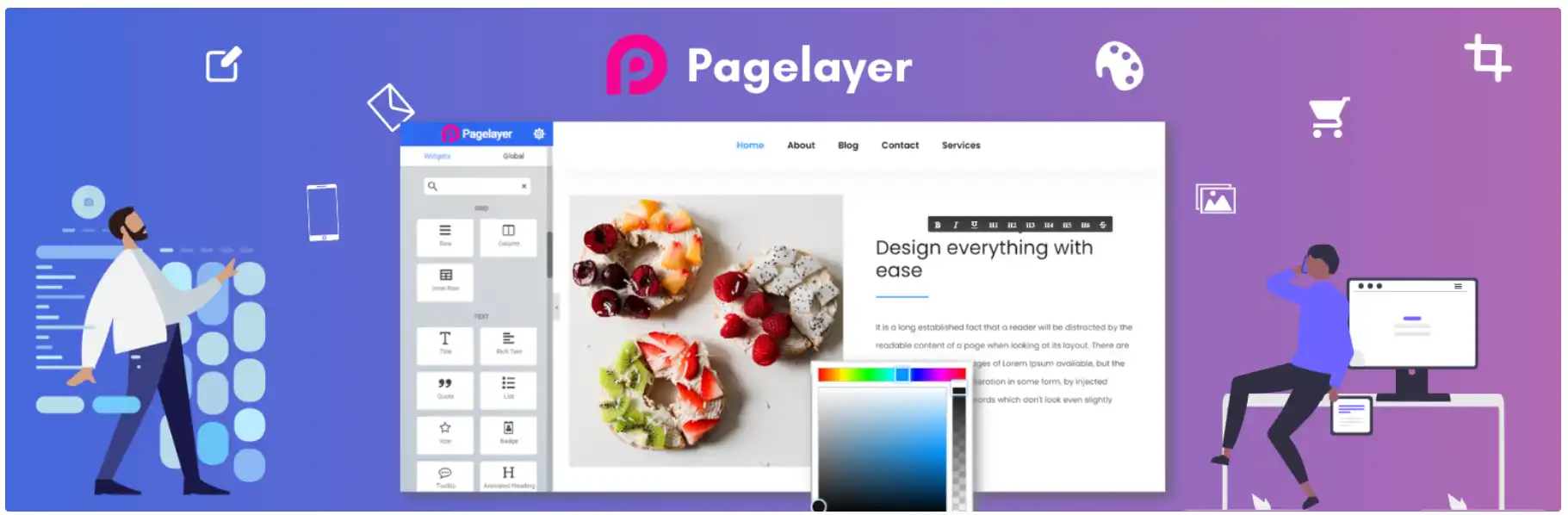
With Pagelayer, editing happens live while you move elements around on the canvas. Since updates show up instantly, there is no waiting for reloads during design work.
Starting off, the builder interface feels straightforward – easy to grasp even if you’re just starting out with WordPress basics. On top of that, plenty of widgets come included, each built for specific jobs like boosting SEO through breadcrumbs or generating sitemaps.
A fresh start with Pagelayer feels smooth for those just stepping into website building. Its price tag won’t pinch, yet it brings plenty under one roof. Some tools clutter the screen – this one keeps things clean. New users often get lost; here, they tend to find their way fast. Packed full but never overwhelming – that balance shows up early. Cost matters when testing options, and this fits tight budgets well. Features pile on slowly so nothing hits too hard at first.
Key Features:
- Last updated on record. With Pagelayer, every change made to a landing page shows up alongside when it happened
- A single payment unlocks the plugin forever. Each Pagelayer option gives full access, while help and upgrades arrive for twelve months.
- Starting with an icon widget means less work for users. Instead of creating their own, they pick from ready-made options. Each choice skips the design step entirely. Some might say it saves time – others just like having alternatives. Picking beats building every single time here. The feature gives freedom without extra effort.