Selecting the right plugin for your e-commerce business on WordPress can be one of the most crucial decisions that you will make during the process. Choosing the right plugin would mean that you are able to manage your products, take payments, handle your orders and provide a smooth shopping experience for your customers.
It should be noted that not all the e-commerce plugins are created equal or meant for similar purposes. There are some plugins that are specifically meant for selling physical products, there are others that are better for selling digital products or creating memberships and courses.
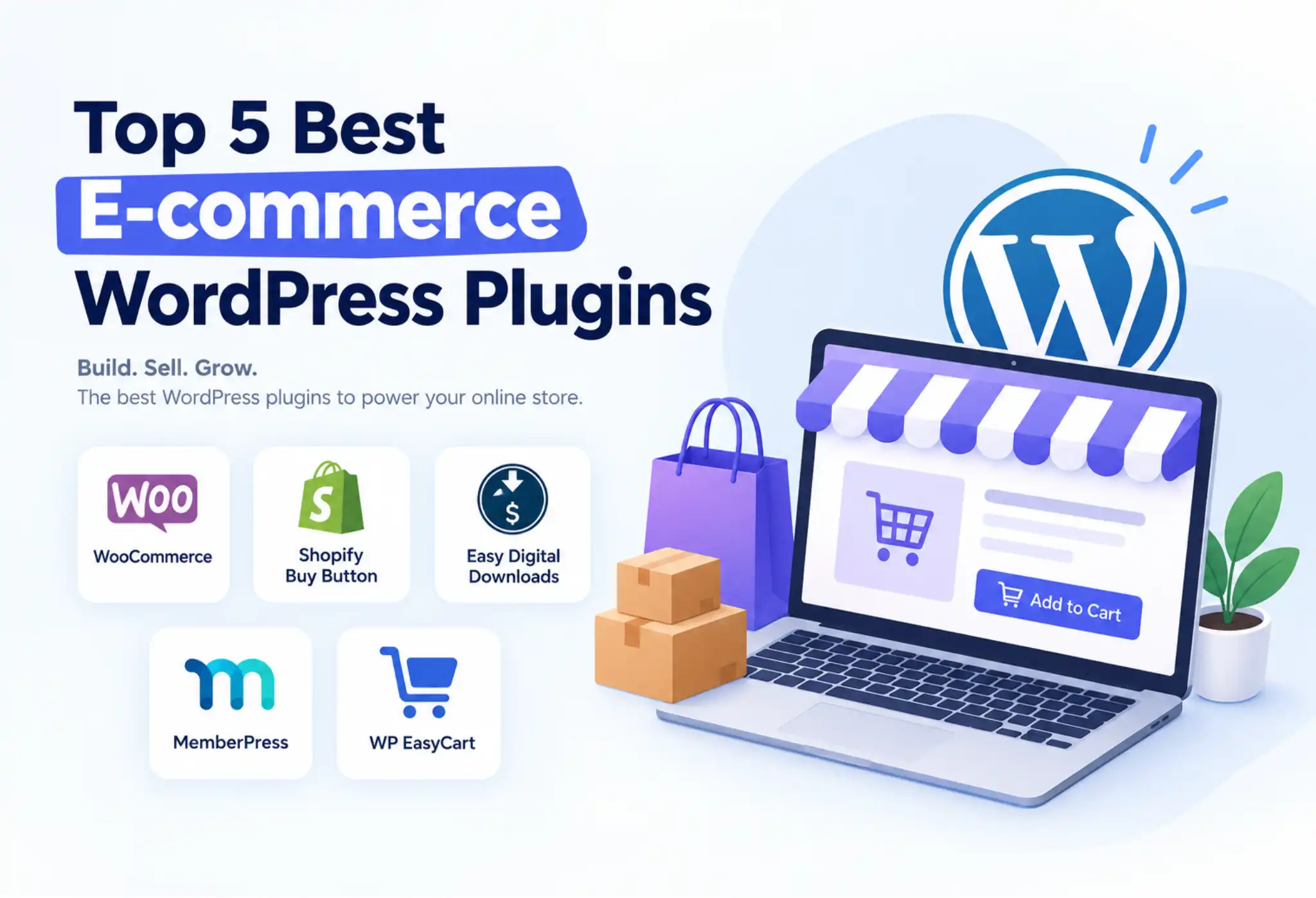
In this article, we will discuss five of the best e-commerce WordPress plugins along with their features, advantages and disadvantages, price and when each plugin should be used.
Quick Comparison of the Best E-commerce WordPress Plugins
| Plugin | Best For | Starting Price |
| WooCommerce | Physical and digital product stores | Free core plugin |
| Shopify Buy Button | Adding Shopify products to WordPress | Free Buy Button tool; Shopify plan required |
| Easy Digital Downloads | Selling digital products | Free core plugin |
| MemberPress | Memberships, subscriptions, and courses | Paid plans |
| WP EasyCart | Small and medium-sized online stores | Free plan available |
Please take note that prices and the number of features may vary. Additional costs will be incurred for paid extensions, processing fees, and others.
Sale is Live! Get 20% OFF on fast and reliable Cloud Hosting, Shared Hosting, VPS Hosting, WordPress Hosting, and Node.js Hosting. Click here.
1. WooCommerce
Best for: Building a fully functional online store with WordPress
WooCommerce is among the leading eCommerce plug-ins for WordPress. It turns an ordinary WordPress website into a store from which businesses can sell different kinds of goods such as physical products, digital goods, etc.
The plug-in offers important store management functions such as catalogues, shopping carts, checkouts, order processing, and inventory management. Additional plug-ins can be added to the plug-in to offer extra functionality such as payment gateway, shipping, marketing, subscription, etc.
Key Features
-
- Product management: Add products, product images, descriptions, prices, variations, and stock quantities.
-
- Payment integration: Connect supported payment gateways to accept online payments.
-
- Order management: View orders, update order statuses, and manage customer purchases.
-
- Shipping and tax settings: Configure shipping methods, rates, and applicable tax rules.
-
- Customization: Use compatible themes, extensions, and custom development to tailor the store.
-
- SEO compatibility: Optimize product pages, categories, URLs, and metadata using WordPress SEO tools.
Pros
-
- Free and open-source core plugin.
-
- Supports physical and digital products.
-
- Offers extensive customization and third-party integrations.
-
- Provides control over store data and hosting choices.
-
- Can scale with additional functionality as the business grows.
Cons
-
- Requires hosting, security, backups, and regular maintenance.
-
- Some advanced features require paid extensions.
-
- Too many poorly optimized plugins can affect website performance.
-
- Setting up a complex store may require technical knowledge.
Pricing
The core WooCommerce plugin is available to be downloaded free of charge. However, hosting, a domain name, a payment gateway, and other additional plugins will cost extra money. Pricing of the official WooCommerce extensions is product dependent and can even include yearly subscriptions. WooCommerce pricing.
Why Should You Use WooCommerce?
WooCommerce can be a great tool to build a flexible online store without having to invest in a paid subscription of an e-commerce platform. This plugin is especially useful for retailers, fashion, beauty, and wellness companies who are interested in building a flexible product page, checkout process, and store management.
If you are planning to create a scalable WordPress e-commerce website with various integration possibilities, WooCommerce can be your first stop.
the appearance of Buy Buttons to fit your website’s design.
2. Shopify Buy Button
Best for: Selling Shopify products directly through a WordPress website
The Shopify Buy Button feature is one way of incorporating Shopify products or collections on an existing website like a WordPress site. In this case, the Shopify platform handles all product and order management rather than WordPress.
Such a strategy works well for companies that already have their own blog or website developed using WordPress but want to incorporate Shopify’s commerce capabilities in selling products.
Key Features
-
- Product embedding: Display selected Shopify products on WordPress pages and posts.
-
- Customizable buttons: Adjust
-
- Product collections: Showcase multiple products or a collection where supported.
-
- Shopify checkout: Send customers to Shopify’s checkout to complete their purchases.
-
- Centralized management: Manage products and orders through the Shopify admin.
-
- Content-based selling: Add product purchase options to blog posts, landing pages, and promotional content.
Pros
-
- Adds commerce functionality without replacing an existing WordPress website.
-
- Useful for monetizing blogs and content-focused websites.
-
- Let’s you manage products and orders through Shopify.
-
- Reduces the need to build a complete shopping system within WordPress.
-
- Combines WordPress publishing flexibility with Shopify’s commerce tools.
Cons
-
- Requires a compatible Shopify plan; the Buy Button tool itself does not replace a Shopify subscription.
-
- Provides less native WordPress store management than WooCommerce.
-
- Advanced store customization depends on Shopify’s capabilities and the integration.
-
- May be less suitable for businesses that want their entire e-commerce workflow managed within WordPress.
Pricing
However, although the official Shopify Buy Button platform can be accessed for free, it requires having the appropriate Shopify package in order to do so. The cost of these Shopify packages will depend on your country and the billing terms.
Why Should You Use Shopify Buy Button?
Go for Shopify Buy Button in case you are already writing content using WordPress and need to sell some products without altering your site into a full online store.
For example, a food blog can publish recipes using WordPress and integrate Buy Buttons for cooking devices, cookbooks, or any other associated product. The individual can follow the same technique in order to sell certain products using the existing articles and landing pages.
It would suit businesses that intend to handle content using WordPress and transactions using Shopify.
3. Easy Digital Downloads (EDD)
Best for: Selling digital products and downloadable files
Easy Digital Downloads is a WordPress plugin that specializes in selling digital products. It contrasts sharply with general shopping cart plugins because Easy Digital Downloads is a product that helps to sell digital goods.
Easy Digital Downloads is very important in selling e-books, software, websites, digital art, music, guide downloads, and many other digital materials.
Key Features
-
- Digital product management: Create and manage downloadable products.
-
- Secure file delivery: Provide customers with access to purchased files through download links.
-
- Payment processing: Integrate supported payment gateways to accept payments.
-
- Discount codes: Create promotions and discount offers for digital products.
-
- Customer management: View customer information and purchase records.
-
- Sales reporting: Monitor sales and revenue using available reporting tools.
-
- Extensions: Add functionality for software licensing, subscriptions, and other requirements through compatible extensions.
Pros
-
- Designed specifically for selling digital products.
-
- Includes tools for managing purchases and download delivery.
-
- Helps organize customers, transactions, and product files.
-
- Avoids many physical-store features that digital sellers may not need.
-
- Can be extended for more advanced digital commerce requirements.
Cons
-
- Not the most suitable choice for stores primarily selling physical products.
-
- Some advanced capabilities require paid plans or extensions.
-
- Subscription billing and software licensing may require additional configuration.
-
- Businesses with mixed physical and digital catalogs may prefer a broader e-commerce solution.
Pricing
The Easy Digital Downloads provides a free basic plugin with premium pricing and add-ons for extra features. The premium prices depend on the chosen plan and discounts. Check out the Easy Digital Downloads site for exact pricing.
Why Should You Use Easy Digital Downloads?
Apply Easy Digital Downloads whenever the business model entails the sale of downloads and not physical items that are to be shipped to customers.
A graphic designer could use this plugin to sell templates, the software developer can sell paid plugins, and the educator can sell study materials.
Whenever there is need to sell downloadable products using WordPress and at the same time organize downloads and customers’ purchases, Easy Digital Downloads can be used.
4. MemberPress
Best for: Membership websites, online courses, and subscription-based content
MemberPress is a membership plugin for WordPress sites that assists site owners to generate money through exclusive content and memberships. It does not consider offering products from its catalog but rather lets the business charge the user by offering memberships, courses, premium content, and even restricted website content.
This is an ideal choice for people who want to generate recurrent revenue streams.
Key Features
-
- Membership plans: Create different membership levels with different prices and access permissions.
-
- Content protection: Restrict selected pages, posts, and other resources to eligible members.
-
- Recurring payments: Set up subscription-based access where supported by the selected plan and payment integration.
-
- Online courses: Build and deliver courses using supported course functionality.
-
- Coupons and promotions: Offer discounts to encourage membership sign-ups.
-
- Member management: Manage subscribers, membership levels, and access permissions.
-
- Payment integration: Connect supported payment services to collect membership fees.
Pros
-
- Designed for membership and subscription businesses.
-
- Helps protect premium content from unauthorized access.
-
- Supports recurring-revenue business models.
-
- Can be used for online courses, coaching programs, and private communities.
-
- Integrates membership functionality into an existing WordPress website.
Cons
-
- Paid plans are required for the plugin’s main functionality.
-
- Not designed primarily for traditional physical-product stores.
-
- Some integrations and advanced features depend on the selected plan.
-
- Requires ongoing content creation and member management to maintain engagement.
Pricing
MemberPress is a fee-based plugin where costs vary according to the plan and features used. Costs of plans and promotions change; therefore, you should always visit the MemberPress official website to get the most current information.
Why Should You Use MemberPress?
When what you need to do is to sell access rather than selling any product, then MemberPress should be your preferred option.
A teacher can develop a paid learning platform, a fitness expert can give paid workout plans, while a publisher can offer paid articles.
If you need to sell memberships, premium content, or courses, then it would be better for you to go with MemberPress than just an ordinary online shopping cart.
5. WP EasyCart
Best for: Small and medium-sized businesses looking for a WordPress shopping cart
WP EasyCart is an online store plugin for selling products using WordPress. This includes the option to sell tangible goods, digital goods, and more features associated with online commerce by means of the plugin’s free and premium versions.
WP EasyCart seeks to incorporate all aspects of online sales (such as products management, purchasing process, payment processing, order management) within the WordPress store without piecing together each one using separate plugins.
Key Features
-
- Product management: Create product listings, manage prices, and organize product options.
-
- Shopping cart and checkout: Allow customers to add products to their carts and complete purchases.
-
- Payment gateways: The free edition supports Stripe, Square, and PayPal, subject to availability and account eligibility.
-
- Inventory and order management: Manage purchases and product stock.
-
- Shipping and taxes: Configure shipping rates and tax settings, with more advanced capabilities available in paid plans.
-
- Digital products: Sell downloadable products using supported paid features.
-
- Additional commerce tools: Paid editions add features such as subscriptions, gift cards, promotions, and expanded integrations.
Pros
-
- Offers a free starting option for launching a store.
-
- Supports physical products and digital commerce.
-
- Includes core shopping cart and checkout functionality.
-
- Provides paid upgrades for more advanced store requirements.
-
- Offers integrations for payments, shipping, and business management.
Cons
-
- Some important features require a paid upgrade.
-
- The free edition includes a 2% WP EasyCart fee on payments processed through Stripe, Square, and PayPal.
-
- Advanced shipping, payment, and marketing requirements may increase costs.
-
- Businesses with highly specialized workflows may need additional customization or integrations.
Pricing
WP EasyCart provides the free plan, PRO plan, and the Premium plan. According to the current official pricing page of the company, PRO is priced starting at $89 annually on a one-year subscription basis, while Premium costs $129 annually on a one-year subscription basis. The free plan comes with a 2% WP EasyCart fee on eligible payment transactions.
Check the official WP EasyCart pricing page for current plans and terms.
Why Should You Use WP EasyCart?
WP EasyCart may be a good choice for a WooCommerce alternative that comes with basic selling functionality right out of the box and offers an upgrade as your business develops.
It may fit the needs of small retailers, individual enterprises, or those wishing to handle their online shop via WordPress.
Before deciding, it is advisable to compare the price of its free and premium plans with WooCommerce and your anticipated sales figures.
How to Choose the Best E-commerce WordPress Plugin
The best WordPress e-commerce plugin depends on what you sell, how you want to manage your business, and the features you need.
| Your Requirement | Recommended Plugin |
| Build a complete online store | WooCommerce |
| Add Shopify products to an existing WordPress website | Shopify Buy Button |
| Sell e-books, templates, software, or other downloads | Easy Digital Downloads |
| Sell memberships, courses, and premium content | MemberPress |
| Start a WordPress store with a straightforward shopping cart | WP EasyCart |
Before you install a plugin, think about your budget, whether the payment gateways work with the plugin, shipping needs, website loading times, customization, and your business goals for the future. It is important to know which features you need.
Read this article to know more about How to Install WordPress Using hPanel, Softaculous, and Manually + Troubleshooting Tips
Conclusion
Selection of the most appropriate WordPress e-commerce plugin can help make the process of launching, operating, and growing your business easier. The selection of the most appropriate solution depends on the type of products, business model, technical needs, and budget.
WooCommerce is a flexible solution for the creation of an e-commerce store. Shopify Buy Button is a good option for the implementation of commerce functionality into your existing content website. For the selling of downloadable products, Easy Digital Downloads would be a perfect choice. For membership websites and courses, the use of MemberPress is recommended. WP EasyCart is another solution for managing the shopping cart in WordPress.
Study carefully all pros and cons of each of these solutions in order to select the most appropriate one.
1. Which is the best e-commerce plugin for WordPress?
WooCommerce is a perfect all-round option for most businesses that sell tangible products or both tangible and digital products. Nevertheless, Easy Digital Downloads would be more appropriate for digital downloads, whereas MemberPress would be best for membership businesses.
2. Are e-commerce plugins for WordPress free?
While some e-commerce add-ons such as WooCommerce and the basic versions of Easy Digital Downloads come with free options, there may still be additional expenses associated with hosting, payment processing, and premium modules.
3. Which WordPress plugin is best for selling digital products?
Easy Digital Downloads plugin is specially designed for selling digital downloads such as books, templates, software, and other types of products. WooCommerce and WP EasyCart are also capable of supporting digital downloads, depending on your specific requirements.
4. Can I use Shopify with WordPress?
Yes. Shopify’s Buy Button lets you embed Shopify products or collections into WordPress pages and posts. You can keep WordPress as your main content website while using Shopify to manage commerce operations.
5. Which plugin is best for a WordPress membership website?
MemberPress is a strong option for membership websites that sell exclusive content, online courses, and recurring access. The right plan depends on the features and integrations required for your business.
6. Can I change my WordPress e-commerce plugin later?
Absolutely, however, but changing plugins can involve moving products, orders, customer information, subscriptions, and all other data related to your store. Depending on what type of plugins you are dealing with, be prepared for migration. Keep in mind that a backup is necessary before any changes occur.